Book what your company offers, without the friction.
Rooms, equipment, vehicles, tables, lodging or appointments: your customers and your team see what's free and book it in seconds, while your company sets clear rules.
- Nothing to install
- On phone and computer
- With or without an account
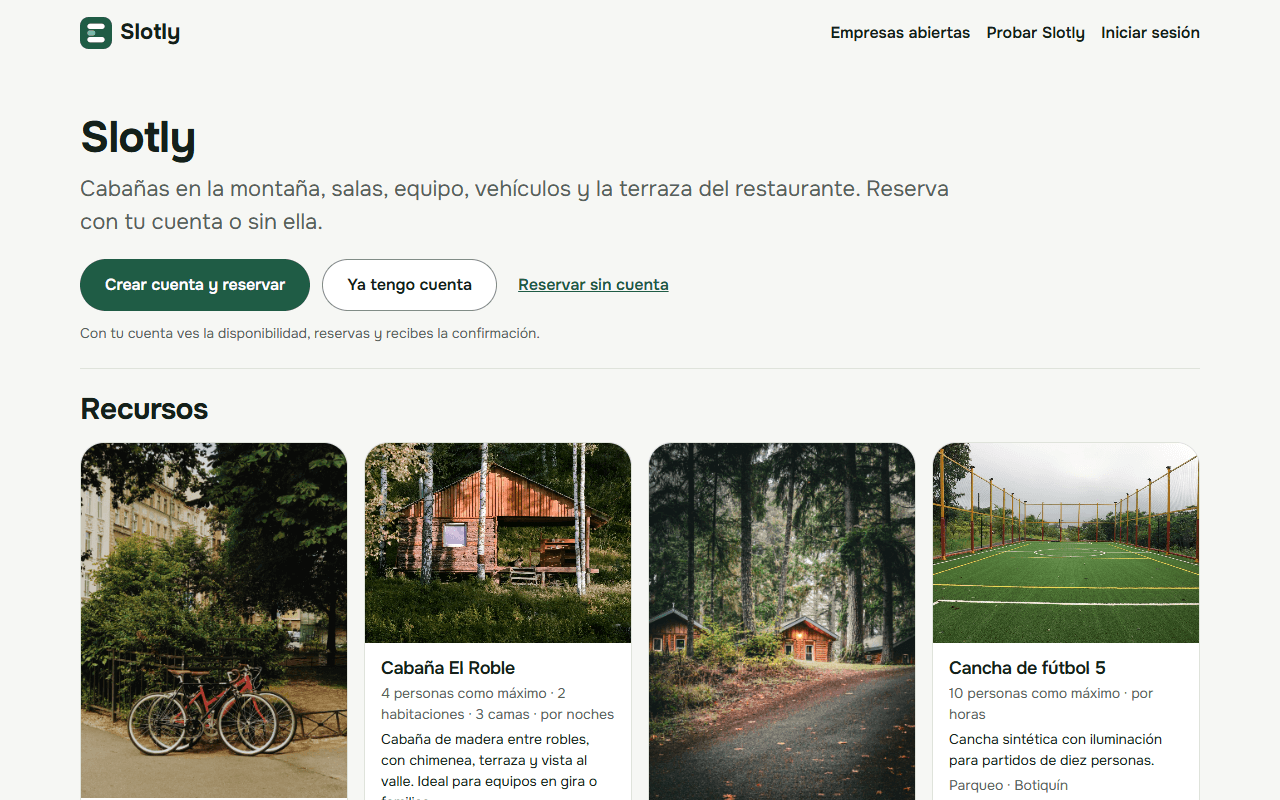
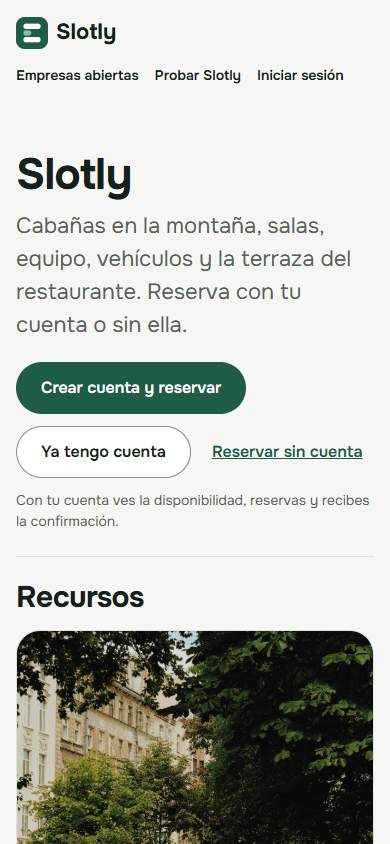
Book anything your company shares
- Lodging
- Rooms and courts
- Equipment
- Vehicles
- Tables
- Appointments
For your customers
Your customers book on their own, in three steps
No phone calls, no messages asking what's available, and nothing to download.
They find your company
With your short link or QR code they see everything you offer, with photos.
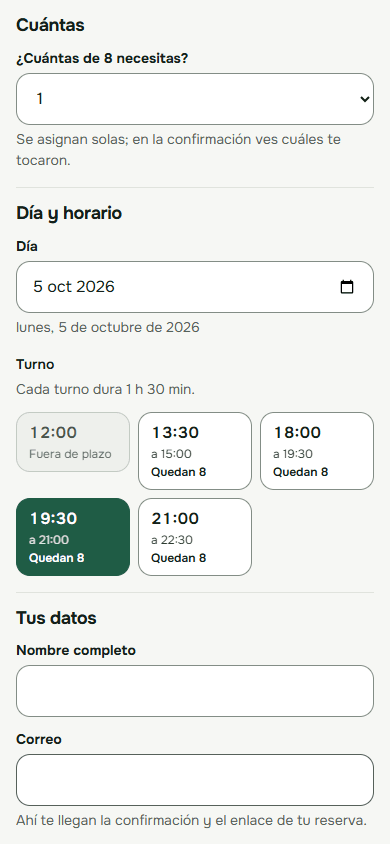
They pick a time
They only see what's free, and how many are left in each slot.
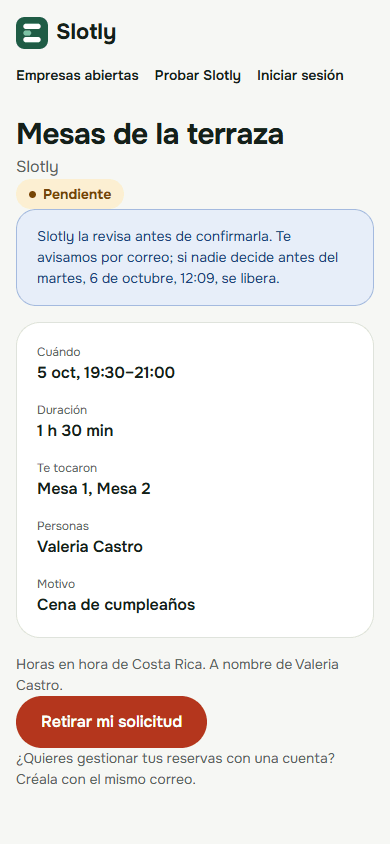
They get their booking
With the link they can check or cancel it, without creating an account.
- Your own page with your resources, photos and hours.
- They book with or without an account, from phone or computer.
- They see right away what's free: no need to call and ask.
- They get the confirmation by email, with a link to cancel.
For your team
Everything in order, no more shared spreadsheets
- No double bookings: a resource is never booked twice for the same time.
- Rules that enforce themselves: who books, how far ahead and for how long.
- Requests that need approval land in one list: approve or decline in a click.
- Notifications and reminders in the app and by email.

For managers
Decide with data, not guesswork
- What gets booked the most and how busy each resource is.
- The days and times with the most demand.
- Who books: your team, and customers with or without an account.
- Filters by date, resource or category, Excel export and an email summary.

Getting started
Getting started is simple
Tell us what you share
Rooms, equipment, vehicles or anything else: we work it out with you.
Publish your catalog
Each resource with photos and how it's booked: by the night, by the hour or by time slots.
Share your link
Your team signs in with their account, and your customers use your link or QR code.
Plans
Choose how you want bookings to work
We'll send you a proposal based on your plan and how many resources you share.
Team
So your team can book what the company shares.
- Catalog with photos, units and hours
- Rules, approvals and blackouts
- In-app and email notifications
- Metrics and Excel export
- Most complete
Open to the public
Everything in Team, and your customers book from outside.
- Public page with a short link and QR code
- Bookings with or without an account
- Requests you approve before confirming
- Listed in Open companies
Custom
Lots of resources, several companies or something special.
- We build it with you
- Help loading your catalog
- A trial with your own resources
See it the way your customers do
Explore a sample company with cabins, rooms, bikes, tables and a soccer field. You can book without an account.
Frequently asked questions
What can I book with Slotly?
Anything your company shares: spaces, equipment, vehicles, tables, lodging or appointments. You decide what your catalog is called and whether each resource is booked by the night, by the hour or by time slots.
Do I need to install anything?
No. Slotly works in the browser on phones and computers, and anyone who wants to can install it as an app on their phone.
Who can book?
The people in your company, with their account and according to their permissions. If you want, the public too: with or without an account, from your company's short link or QR code.
Can I review bookings before confirming them?
Yes. Your company's rules say what needs approval; while it's being decided, the time is held so nobody else takes it.
Who can see my company's data?
Only your people, according to their role. Each company's data is kept separate from everyone else's.
How much does it cost?
It depends on the plan and how many resources you share. Tell us what you need in the form below and we'll send you a proposal.
Request a trial
Tell us about your company and what you need to book. We'll reply by email with a proposal and a trial with your own resources.
Want to book with a company that already uses Slotly without being part of it? Find it in Open companies. The app is in Spanish for now.